
Vil Bulk Exporter
Your workflow, streamlined and simplified.
Your creativity deserves time and efficiency

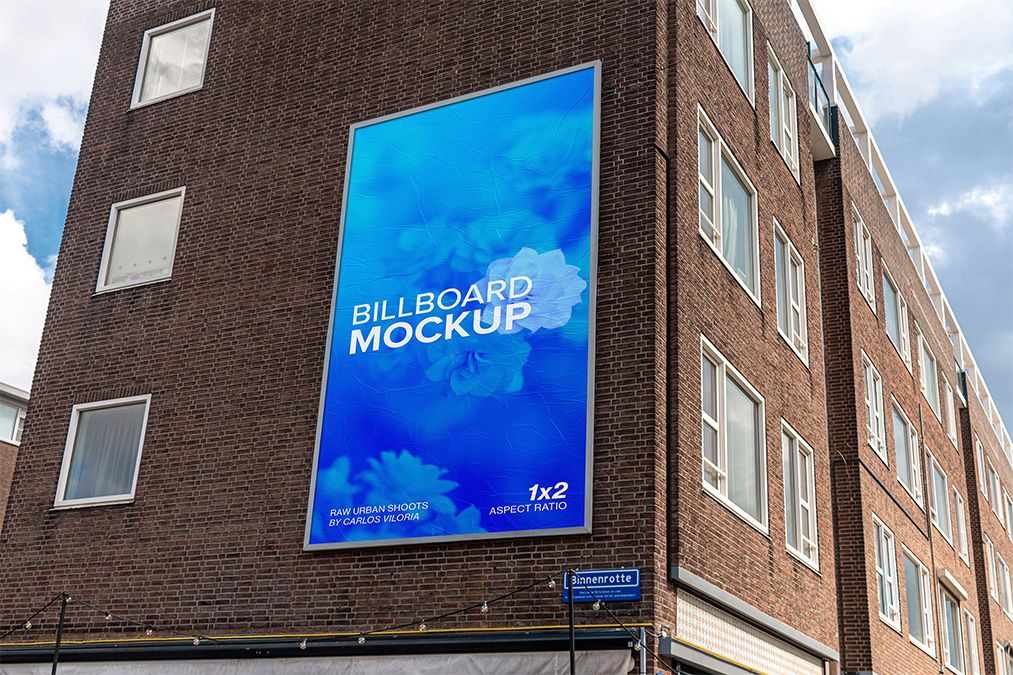
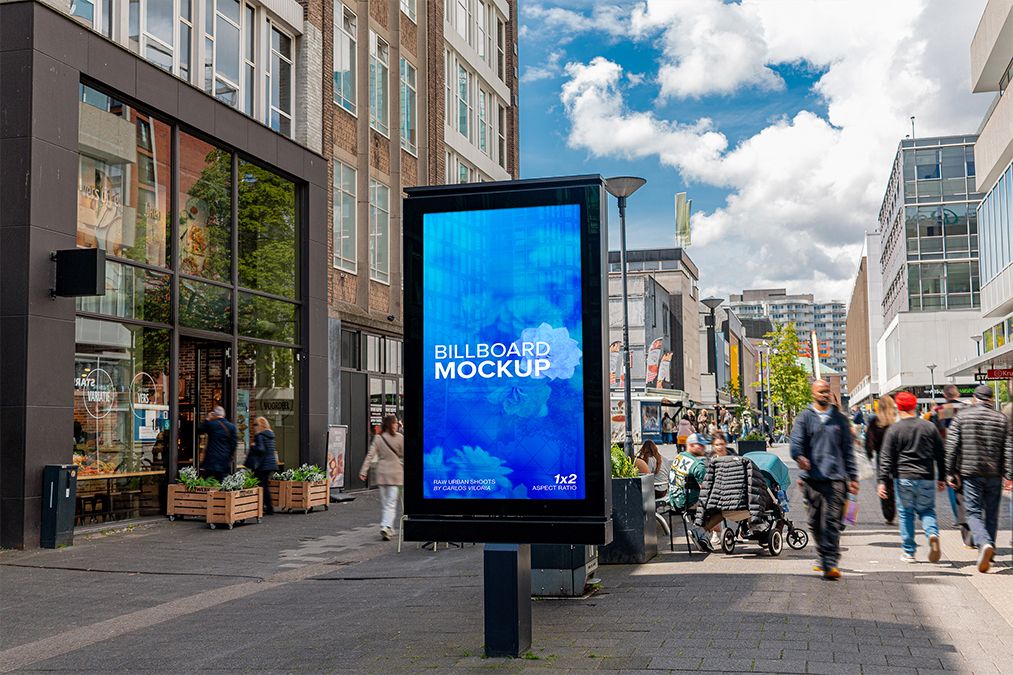
Mockups and Artworks


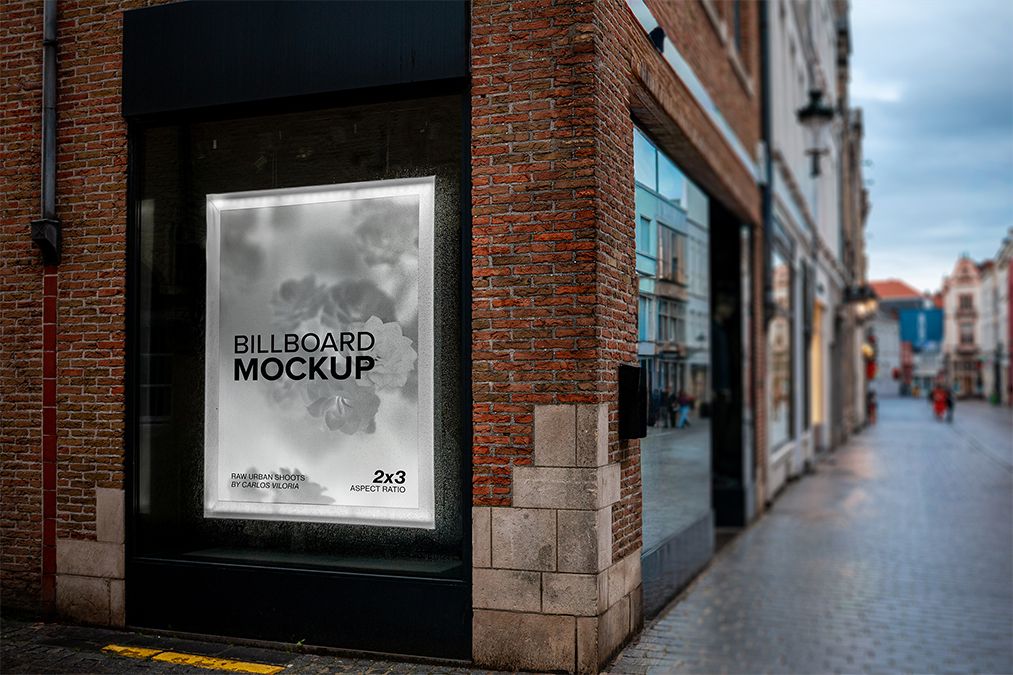
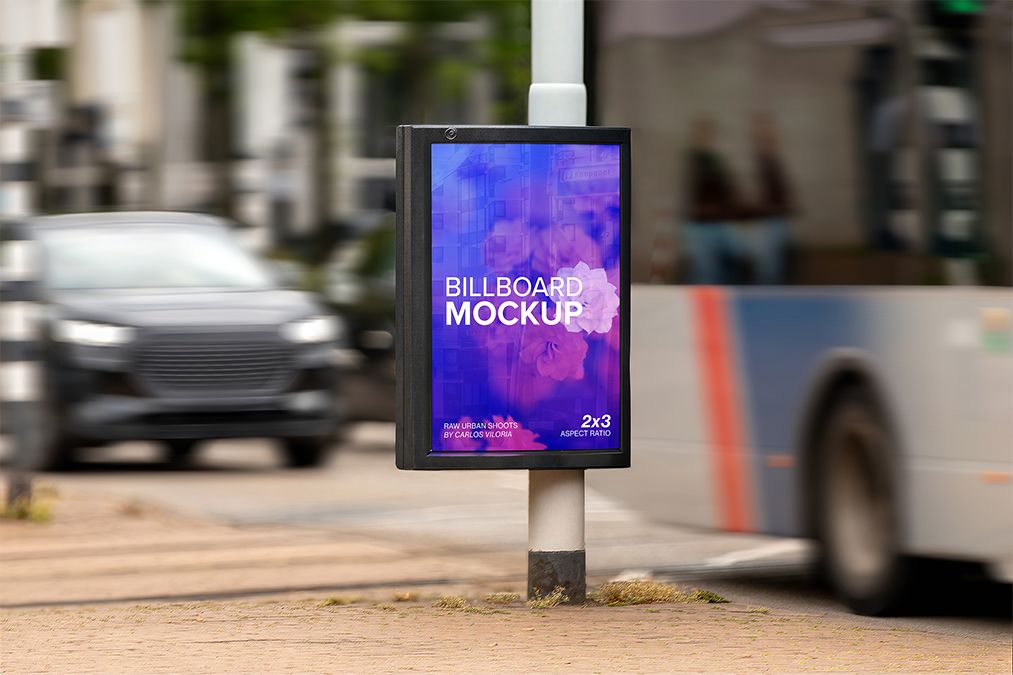
Previews Exported

How to use the Plugin?
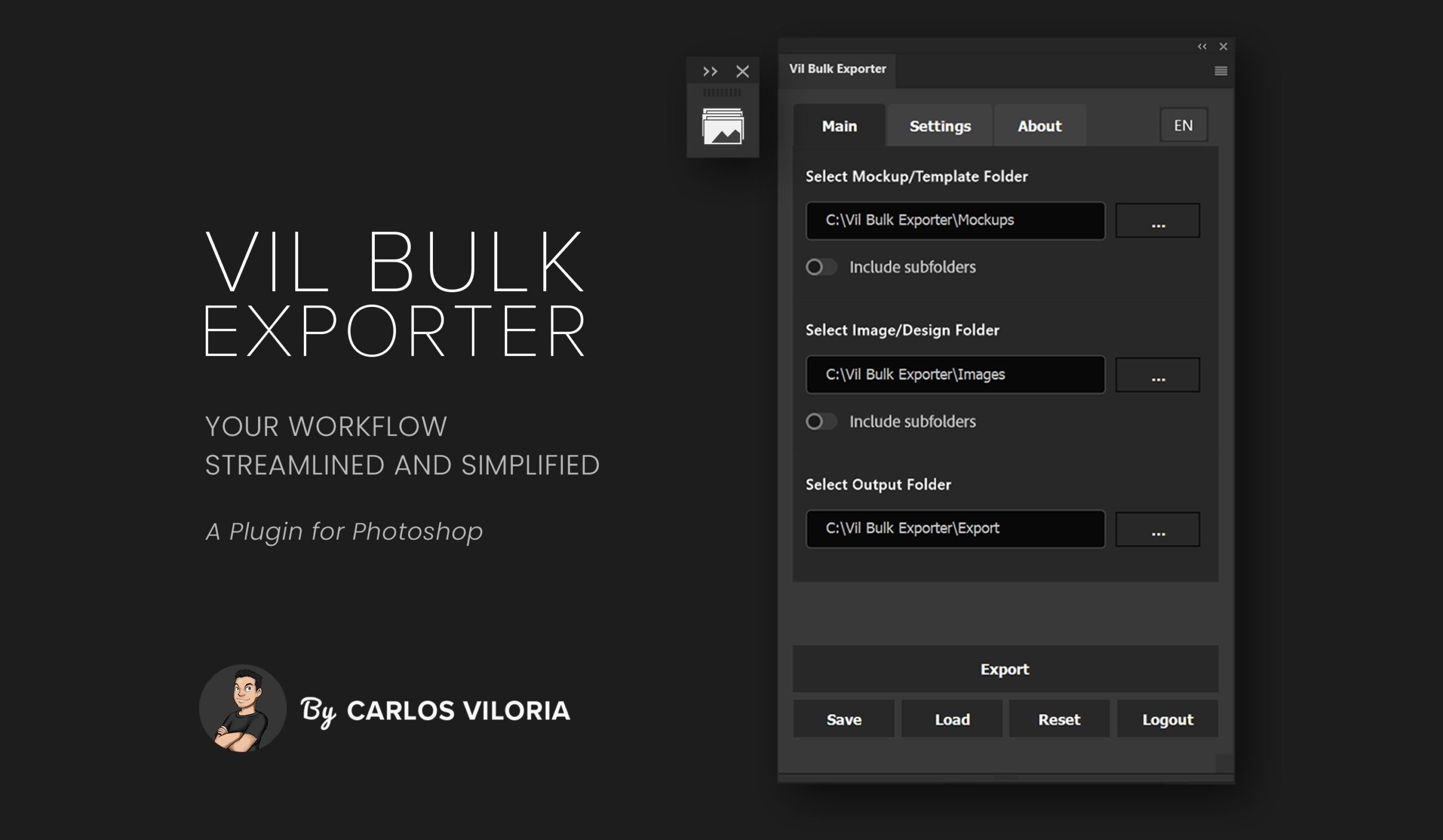
Flexible Export Options for Every Workflow
In the Layer tab, you can select the smart object and adjust how your image is positioned.

The Output tab lets you choose export formats, apply unique naming rules and organize files into folders

The Preview tab allows you to adjust size and resolution (DPI) to generate accurate previews before final export

Vil Bulk Exporter offers multilingual support in Spanish, English, Portuguese, and German, enabling global use.

Requirements
Adobe Photoshop Creative Cloud 2020 or higher, Available on Mac and Windows.
No recurring charges
Activate the plugin with serials valid for 1 month, 3 months, or 1 year. Once the period ends, there is no automatic renewal or unexpected charges — you only pay again if you decide to continue using it. This ensures full control and avoids unfair billing if you stop using the plugin.
Lifetime support
I provide support for life, as long as I’m able to. You can rely on direct assistance and guidance whenever you need it, without hidden fees or expiration dates.
Start Getting a License
1‑Month
Access Time
$19
- One‑time payment
- Includes 1 activation
- Lifetime support
- Free updates
3‑Month
Access Time
$29
- 💡 Equivalent to $9.67 per month – save nearly 50% compared to monthly.
- Includes 2 activations
- Lifetime support
- Free updates
1‑Year
Access Time
$49
- 💡 Equivalent to $4.08 per month – save over 75% compared to monthly.
- Includes up to 5 activations
- Priority lifetime support
- Free updates
Faq
Frequently Asked Questions
Vil Bulk Exporter is designed to handle replacements and exports much faster than manual editing. The exact speed depends on factors such as:
- Number of mockups being processed
- Number of images exported per mockup
- Resolution and complexity of the PSD files
- Computer performance and available resources
Even with these variables, the plugin consistently reduces the time from hours of manual work to just minutes of automated processing. This efficiency allows designers to focus more on creativity and less on repetitive tasks.
Yes, although it’s very unlikely. Vil Bulk Exporter is designed to automate replacements with consistency and accuracy, which greatly reduces the chance of errors compared to manual work. While no process is 100% error‑free, mistakes when using the plugin are rare and usually only occur if the PSD files are not properly structured or if settings are misconfigured.
Vil Bulk Exporter helps designers save significant time and effort by automating the replacement of smart object content across multiple mockups. Its main benefits include:
- Time efficiency — eliminates repetitive manual editing
- Higher productivity — speeds up batch exports and frees time for creative work
- Consistency — ensures uniform results across all mockups
- Error reduction — minimizes mistakes compared to manual replacement
- Creative freedom — makes it easier to experiment with different variations quickly
In short, Vil Bulk Exporter streamlines workflows and allows designers to focus more on creativity and quality instead of repetitive tasks.
Yes, but they are minimal. The plugin requires properly structured PSD files and works best with recent versions of Photoshop. Very large or complex files may take longer depending on your computer’s performance, and occasional glitches are possible, though rare.
To get the best results with Vil Bulk Exporter, it’s recommended to:
- Keep your PSD files and folders well organized
- Use consistent naming conventions for layers and files
- Test the plugin on a small batch of mockups before running it on larger sets
- Regularly back up your files to avoid data loss
These practices help ensure smooth performance and reliable results across all your projects.
No. Licenses for Vil Bulk Exporter are not auto‑renewable. Once your license expires, you will need to purchase a new one.
Activations are the plugin registrations on each computer. When you access for the first time on a computer, this is recorded as an activation.
This means that your license has reached its activation limit.
If you need to deactivate a device, open the plugin on that device and click on the Logout button.