Front Leaning Triptych Canvas Mockup – Ratio 2×3
$14.0
| Ratio | 2×3 |
|---|---|
| Pixel Resolution | 5472 x 3648 |
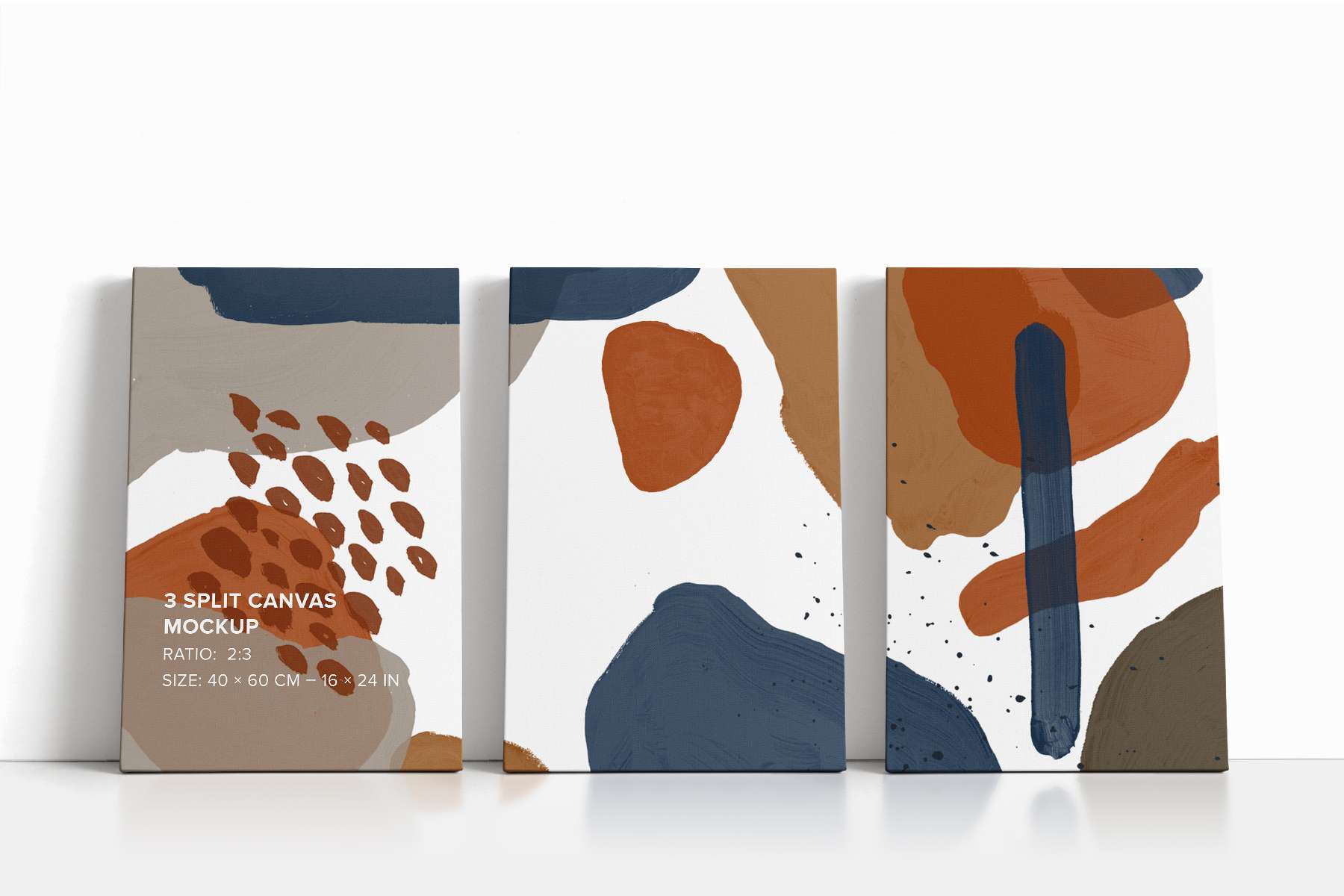
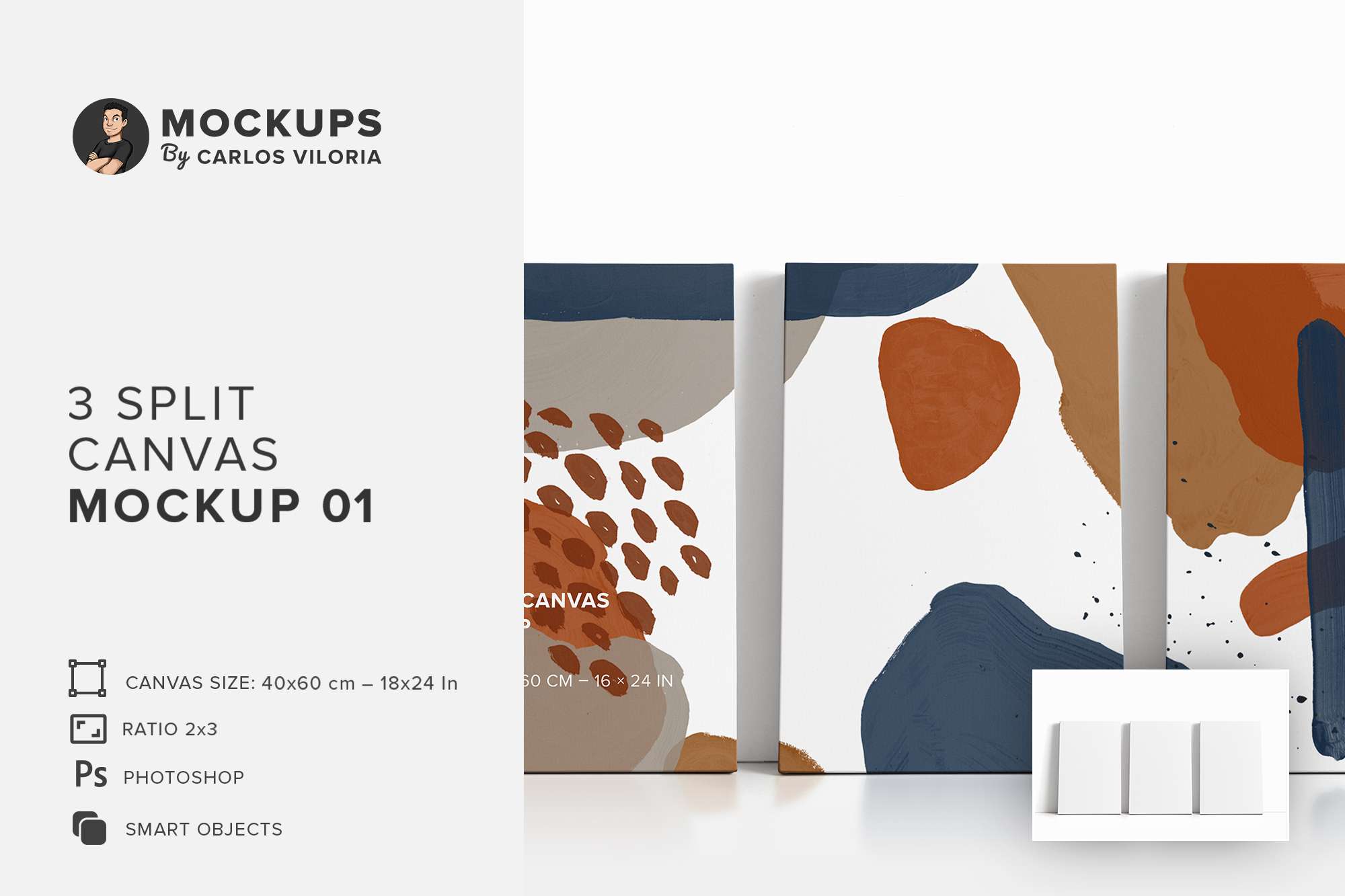
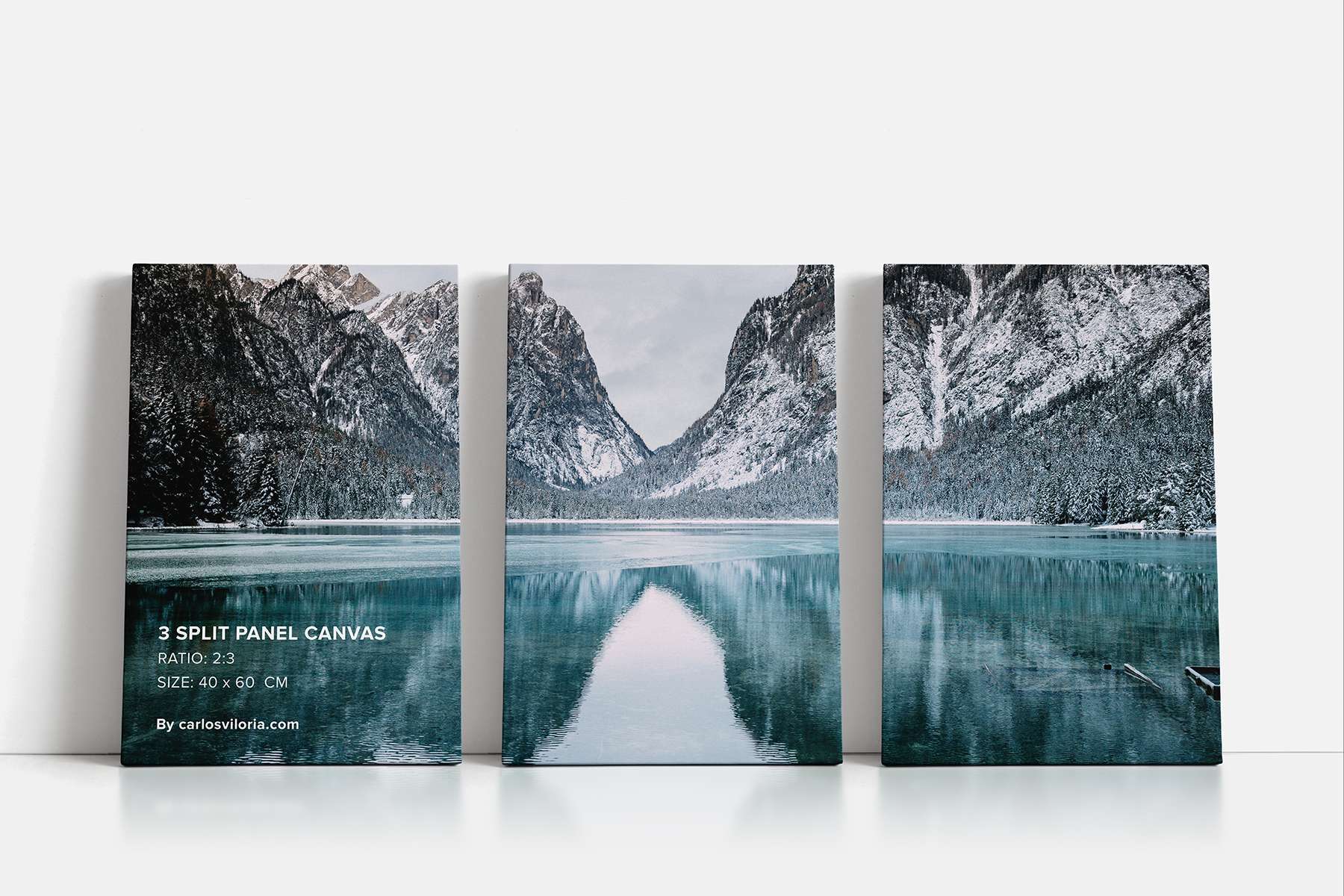
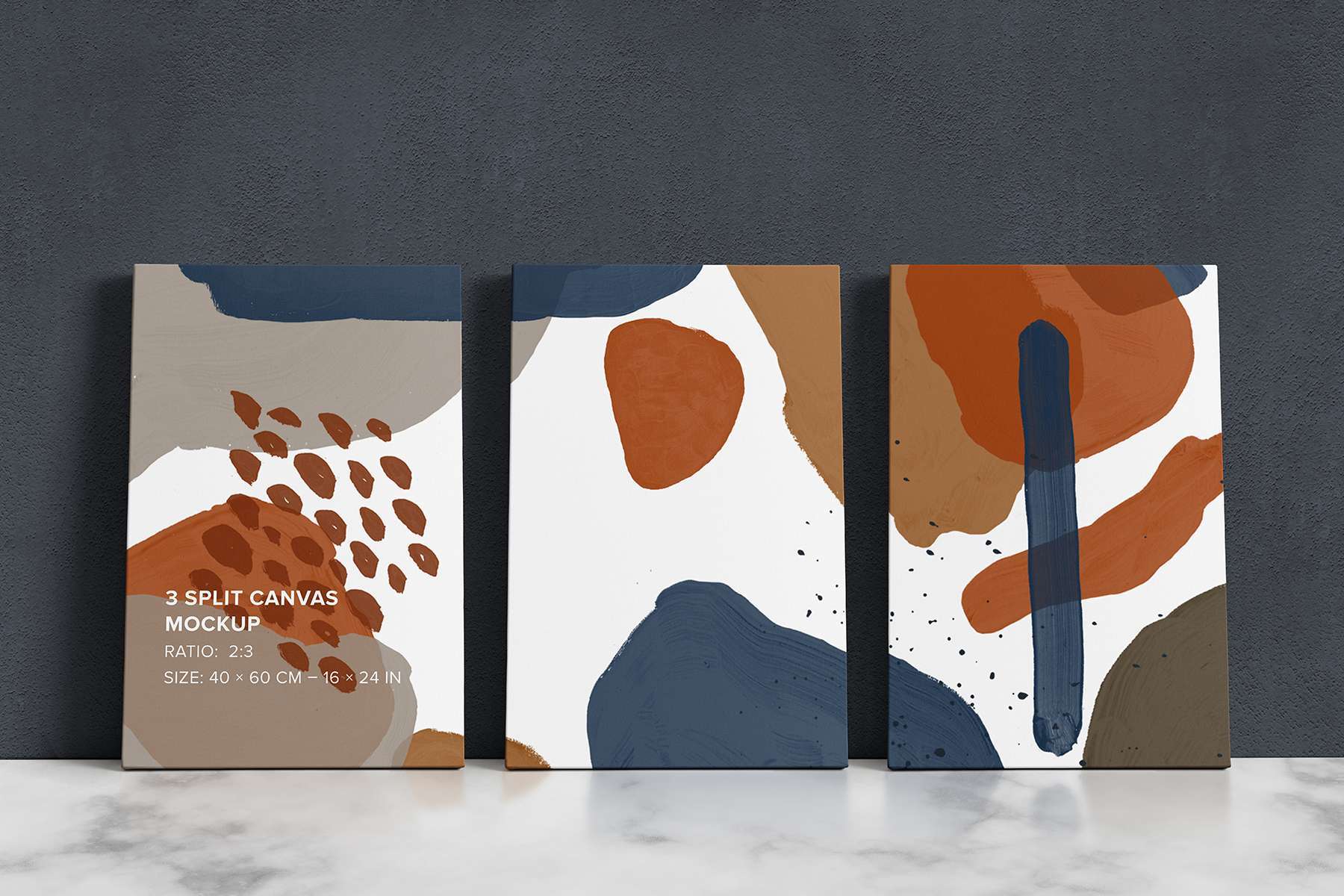


The Front Tilted Triptych Canvas Mockup – 2×3 Ratio is a tool for displaying landscape photographs and digital artwork as 3 printed split panels. Use any image with a ratio of 2×1 – 120×60 cm, or use different images to make a collage and the mockup will split it into three panels.
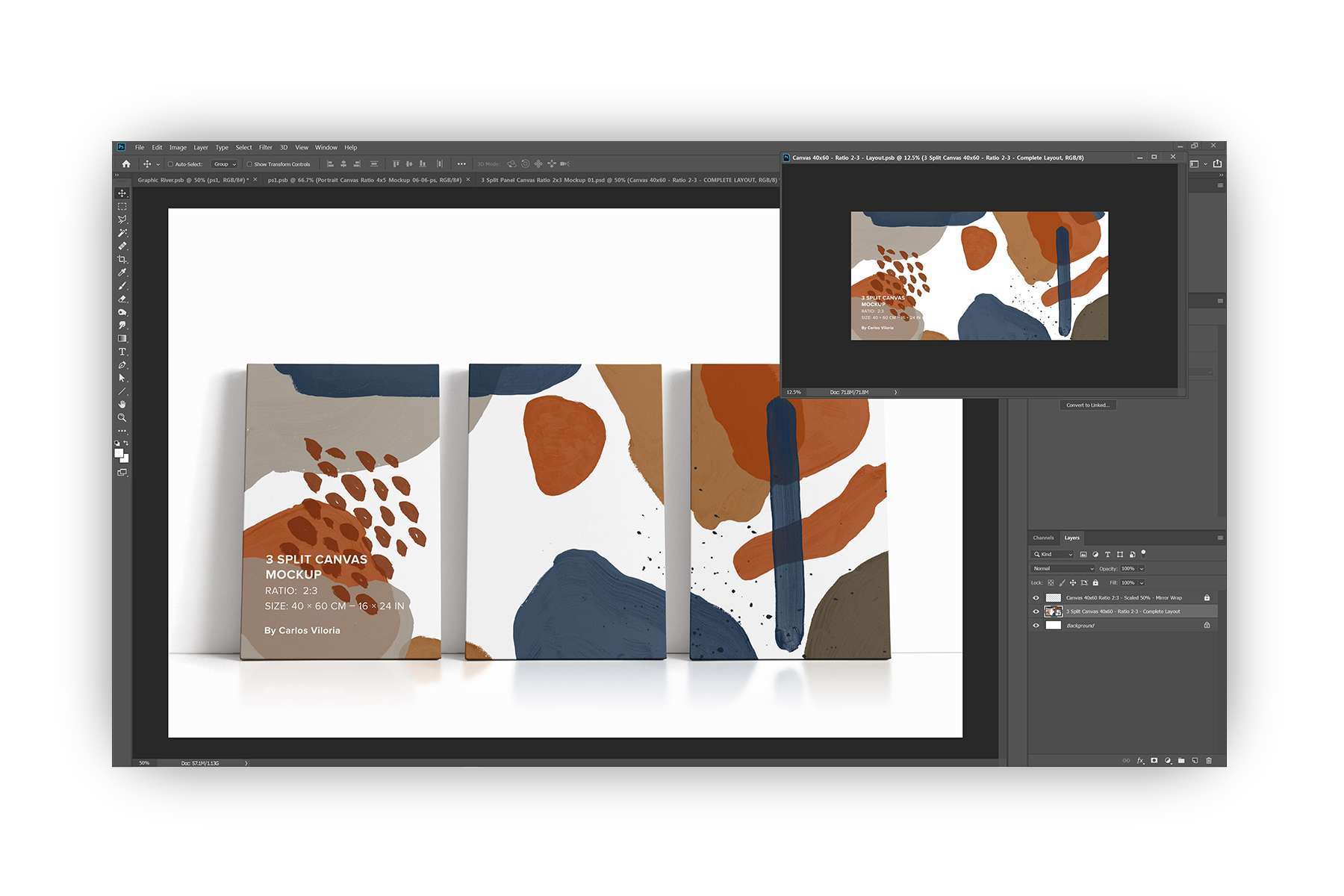
It has been created in Photoshop with smart objects for easy customization, plus add some details like the reflection of the floor to make it more realistic. You can also change the opacity of the brightness and shadows in the FX folder.
VIDEO TUTORIALS:
- How to edit Canvas Mockup? – https://www.youtube.com/watch?v=kKYPaUd1ERA
- How to change the background of a Canvas Mockup? – https://www.youtube.com/watch?v=6NntE9bfjnM&t
- Mixing Canvas Mockups and Overlay Objects on Photoshop – https://www.youtube.com/watch?v=XakfcNvF4YA
Features:
- Panel Canvas Ratio: 2×3.
- Panel Canvas Size: 40x60x4.5 cm – 16x24x1.5 In
- Image Ratio: 2×1
- RGB / sRGB IEC61966-2.1
- Layers are properly renamed for easy reading.
- 5K Resolution
- Easy editing through the Smart Objects
- The internal measurements of the smart object were scaled to optimize the weight of the file.
- Textures for the background are not included
Reviews
Want to know what else other customers have written? Also you can check my TrustPilot profile.
Only logged in customers who have purchased this product may leave a review.
Front Leaning Triptych Canvas Mockup – Ratio 2×3
Price
$14.0
| Require |
Adobe Photoshop CC |
|---|---|
| Licence | Commercial License |
| Ratio | 2×3 |
|---|---|
| Pixel Resolution | 5472 x 3648 |
License:
Recommended

Full Access Pass to All Mockups and Templates
Original price was: $9,344.0.$129.0Current price is: $129.0.